
3 Inch vs 2 Inch Thermal Printer: Which Is Better for Your Restaurant?
Choosing between a 3 inch and 2 inch thermal printer might seem like a small decision — but it directly impacts your billing speed, receipt clarity, kitchen communication, and customer experience. Here's an honest, no-jargon comparison to help you decide.

Trusted by 5000+ restaurant owners across India
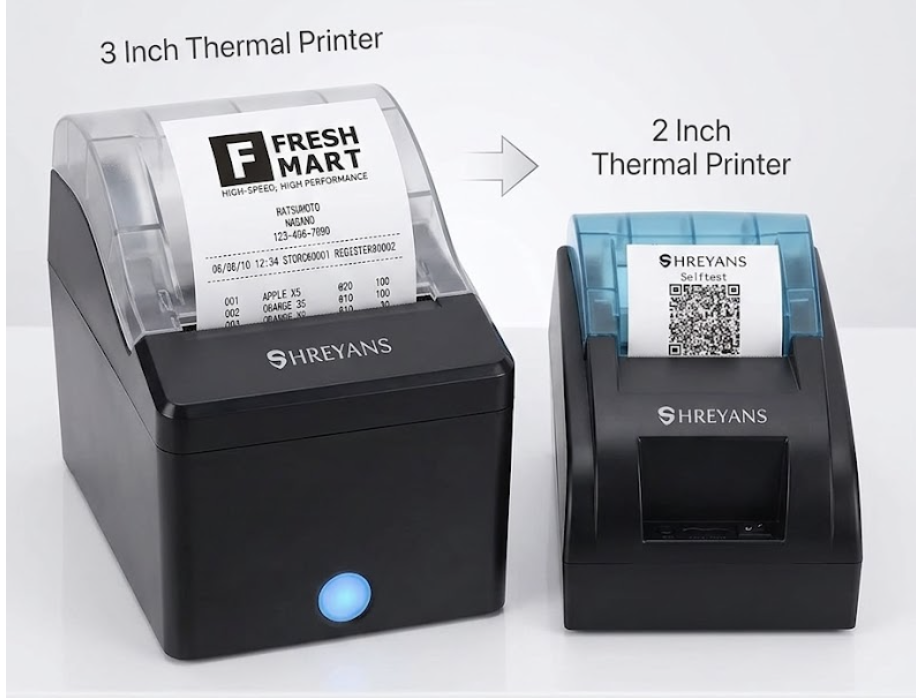
Quick Recommendations by Restaurant Type
Not sure which printer size fits your setup? Pick your restaurant type below.
BEST FOR SMALL CAFÉS & FOOD STALLS 2 Inch Thermal Receipt Printer
- Ultra-compact — fits any counter space
- Lower cost, ideal for tight budgets
- Perfect for short bills with fewer items
BEST FOR QSR & FAST FOOD OUTLETS 3 Inch Thermal Printer with Auto-Cutter
- Wider print area for detailed KOTs
- Auto-cutter saves time during rush hours
- Handles high-volume printing without jams
BEST FOR FINE DINING & CHAINS
3 Inch Bluetooth Thermal Printer
- Professional wide-format bills with logo
- Wireless flexibility across large spaces
- Multi-outlet compatible with cloud POS
Why the Size of Your Thermal Printer Actually Matters
When restaurant owners shop for a thermal printer, most focus on price and brand — but paper width is one of the most overlooked and impactful decisions you’ll make for your billing setup.
A 2 inch (58mm) printer is compact, affordable, and works well for simple receipts with a handful of line items. It’s a solid choice for small cafés, juice bars, and food stalls where counter space is limited and bills are short.
A 3 inch (80mm) printer, on the other hand, gives you a wider print area — which means more readable receipts, space for your restaurant logo, GST breakdowns, itemized orders, and promotional messages at the bottom. For busy QSRs, dine-in restaurants, and cloud kitchens printing KOTs, the 3 inch format is faster, clearer, and far more professional.
The wrong printer size leads to cramped, hard-to-read bills, frustrated kitchen staff, and a poor brand impression on your customers. The right one becomes invisible — it just works, every single service.
- Expert Verdict - If you are printing KOTs for your kitchen alongside customer bills, always go with a 3 inch printer — the wider format makes a significant difference in readability under pressure.
Features That Separate a Good Thermal Printer from a Great One
Size is just the start — here's what else to look for.
Print Speed
A fast thermal printer handles peak-hour rush without queuing up orders. Look for a minimum of 200mm per second for busy restaurants.
Auto-Cutter
Automatically cuts each receipt after printing — saves seconds per transaction that add up to minutes during a busy service.
Connectivity Options
Choose between USB, Bluetooth, or Wi-Fi depending on your setup. Wireless printers offer more flexibility in larger spaces.
Paper Roll Compatibility
Ensure your printer supports standard 58mm or 80mm paper rolls that are easily available locally — not expensive proprietary rolls.
Durability & Build Quality
Restaurant environments are hot, humid, and busy. Choose a printer rated for high-volume daily use with a solid casing.
POS Software Compatibility
Your printer must work seamlessly with your POS software. Always verify compatibility before purchasing.
Which Printer Works Best for India's Restaurant Formats?
Every restaurant type has different billing demands — here's what works best.
Street Food & Food Stalls
A 2 inch Bluetooth printer paired with a mobile POS app is ideal. Lightweight, battery-friendly options are available that work without a power socket — perfect for outdoor setups and food festivals.
QSR & Fast Food Chains
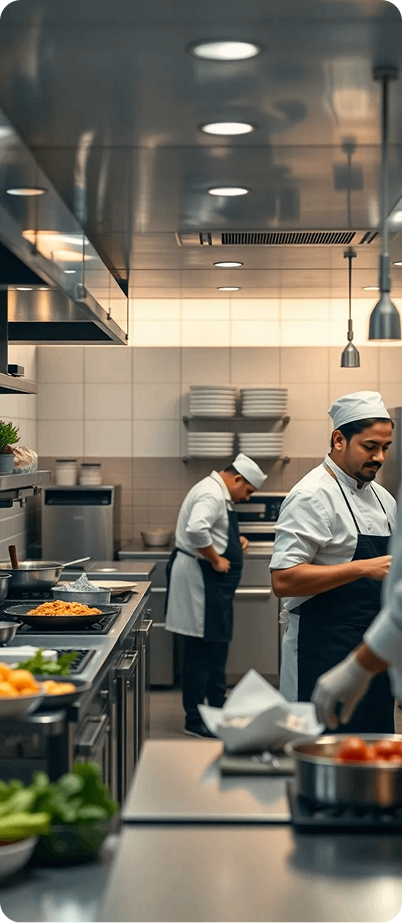
Speed is everything. A 3 inch printer with auto-cutter and direct thermal printing handles hundreds of bills per day without slowdown. KOT printing is clear and readable even in a loud, fast-moving kitchen.
Fine Dining & Dine-In Restaurants
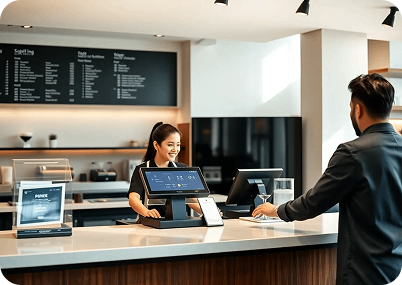
Your bill is part of your brand experience. A 3 inch printer lets you include your logo, a thank-you message, feedback QR code, and a clean GST breakdown — giving customers a professional, polished receipt every time.
3 Inch vs 2 Inch Thermal Printer — Side by Side Compariso
| Feature | 2 Inch (58mm) Printer | 3 Inch (80mm) Printer |
|---|---|---|
| Paper Width | 58mm | 80mm |
| Receipt Readability | Basic | Wide, clear, professional |
| Price Range | ₹1,500 – ₹3,500 | ₹3,000 – ₹8,000 |
| Best For | Small cafés, food stalls | QSR, fine dining, cloud kitchens |
| Verdict | Budget starter option | Best overall for restaurants |
Print Speed | Moderate | Fast — 200mm/sec+ |
Optimized for India's Leading Restaurant POS Software
Software Integration: Our recommended POS systems work seamlessly with the most popular restaurant management and billing software in India. Whether you use Petpooja, UrbanPiper, Posist, or a custom solution — integration is smooth and takes minutes, not days. Automate your billing workflows, reduce manual errors, and improve operational efficiency across every shift.
Cloud-Ready Infrastructure
Your data is always with you. Our cloud-based POS solutions auto-sync sales data, inventory updates, and reports to a secure dashboard you can access from anywhere — even from your phone at midnight.
Real Restaurant Scenarios — Which Printer Won?
Connaught Place (CP)
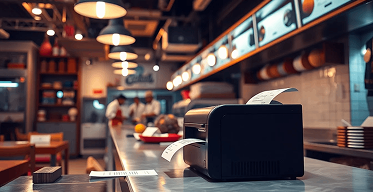
Street Food Stall, Delhi
Owner switched from handwritten bills to a 2 inch Bluetooth thermal printer. Cut billing time by 60%, reduced errors to zero, and customers loved getting digital-style receipts at a street stall.
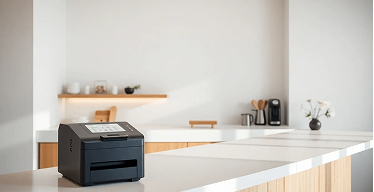
Hauz Khas Village
Modern Café, Pune
Upgraded from a 2 inch to a 3 inch printer after complaints that receipts were hard to read. The wider format allowed logo printing and a loyalty program QR code — customer engagement improved immediately.
Okhla Phase 2 / Cloud Kitchen Hub
Cloud Kitchen, Mumbai
Installed two 3 inch kitchen printers — one for packaging labels, one for KOTs. Order accuracy improved significantly, and the kitchen team reported far fewer mistakes during peak delivery hours.
Explore POS Solutions by City
Finding the right POS support in your city has never been easier.
FOOD HUBS
METRO CITIES
Thermal Printer FAQs for Restaurant Owners
Everything you need to know about thermal printers in Delhi.
Is a 3 inch thermal printer worth the extra cost over a 2 inch?
For most restaurants, yes. The wider print area improves receipt readability, supports logo and GST printing, and handles KOTs much better. The price difference is a one-time investment that pays for itself quickly in time saved and professionalism gained.
Can I use a 2 inch printer for kitchen order printing?
Technically yes, but it is not recommended. Kitchen staff work fast under pressure — a 2 inch receipt with cramped text is harder to read and increases the chance of order errors. A 3 inch printer gives kitchen staff a clear, easy-to-read KOT every time.
Which thermal printer connectivity is best — USB, Bluetooth, or Wi-Fi?
It depends on your setup. USB is the most reliable for fixed billing counters. Bluetooth works well for compact cafés and mobile setups. Wi-Fi is ideal for larger restaurants where the printer needs to be placed away from the billing terminal.
Do 3 inch and 2 inch printers use different paper rolls?
Yes. A 2 inch printer uses 58mm paper rolls and a 3 inch printer uses 80mm rolls. Both are widely available across India at stationery stores and online. Always buy paper rolls in bulk to reduce per-unit cost.
Which thermal printer is best for a restaurant just starting out?
If budget is very tight, start with a 2 inch printer — it gets the job done for basic billing. However, if you can stretch the budget slightly, a 3 inch printer is a much better long-term investment and will serve you through growth without needing an upgrade.
Still Not Sure Which Thermal Printer Is Right for You?
Talk to our restaurant billing experts and get a personalised recommendation based on your restaurant type, daily order volume, and budget — completely free.